1
2
3
4
5
6
7
8
9
10
11
12
13
14
15
16
17
18
19
20
21
22
23
24
25
26
27
28
29
30
31
32
33
34
35
36
37
38
39
40
41
42
43
44
45
46
47
48
49
50
51
52
53
|
[
  {
    "id": 1,
    "wcCode": "1100",
    "isoCode": "TW",
    "name": "台湾",
    "currencyCode": "TWD",
    "currencySymbol": "NT$",
    "rateUsd": 0.03239,
    "ratePcost": 0.15,
    "shipping": 5.4,
    "rateRefuse": 0.16,
    "createTime": 1587881532000
  },
  {
    "id": 2,
    "wcCode": "1104",
    "isoCode": "MY",
    "name": "马来西亚",
    "currencyCode": "MYR",
    "currencySymbol": "RM",
    "rateUsd": 0.2417,
    "ratePcost": 0.15,
    "shipping": 7,
    "rateRefuse": 0.2,
    "createTime": 1587881532000
  },
  {
    "id": 3,
    "wcCode": "1105",
    "isoCode": "SG",
    "name": "新加坡",
    "currencyCode": "SGD",
    "currencySymbol": "S$",
    "rateUsd": 0.7374,
    "ratePcost": 0.15,
    "shipping": 9,
    "rateRefuse": 0.2,
    "createTime": 1587881532000
  }
]
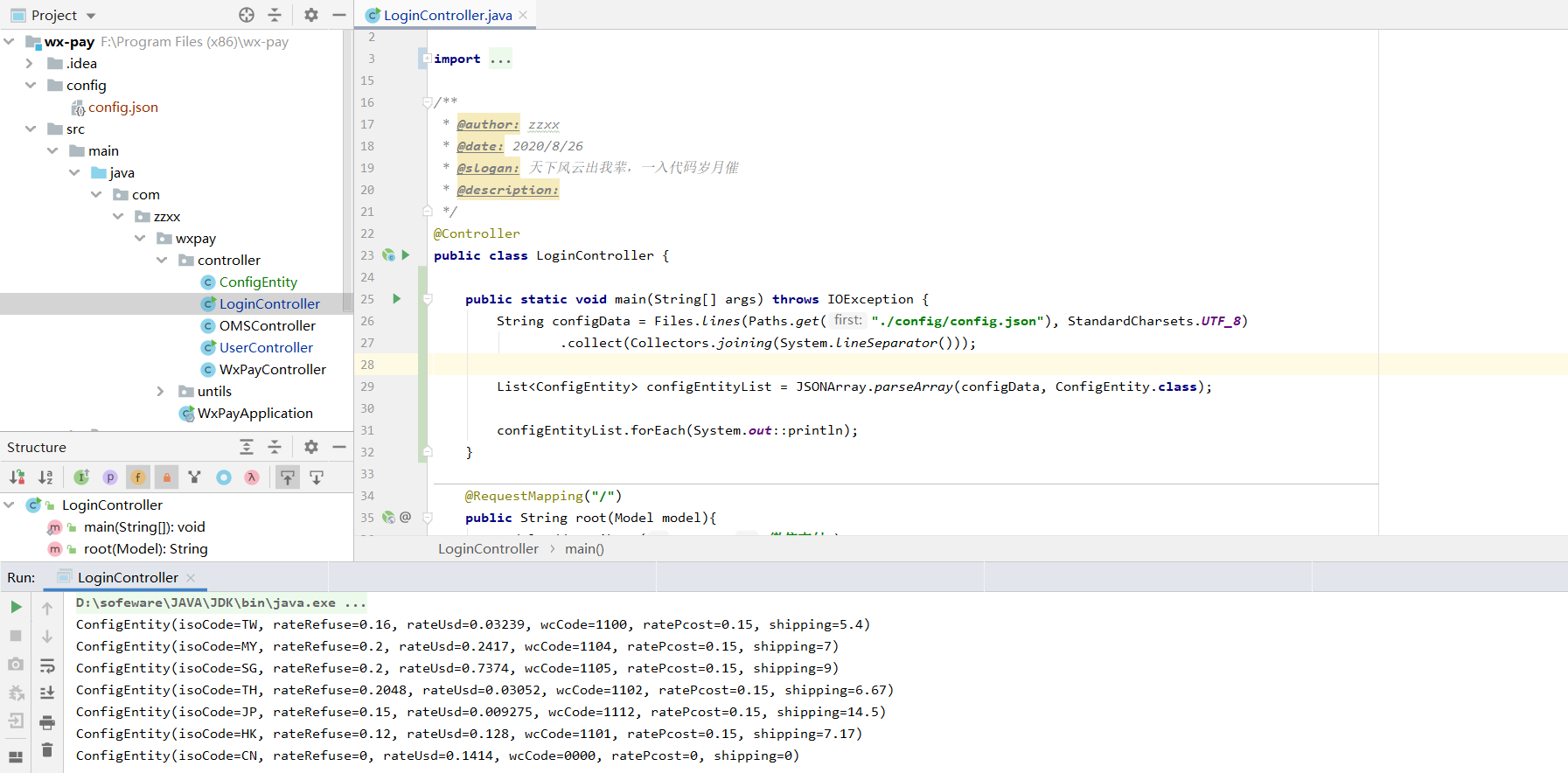
configData = Files.lines(Paths.get(config), StandardCharsets.UTF_8)
                    .collect(Collectors.joining(System.lineSeparator()));
# Files.lines()
一行一行读取文件

#Collectors.joining()
拼接,有三个重载方法,底层实现是StringBuilder,通过append方法拼接到一起,并且可以自定义分隔符(这个感觉还是很有用的,很多时候需要把一个list转成一个String,指定分隔符就可以实现了,非常方便)、前缀、后缀。

# System.lineSeparator() System.getProperty("line.separator")
行分隔符(换行符) 那么其与‘\n’ 有什么区别呢。系统的环境变量,那么系统就有肯能有差别 一般的为Window 下和Unix下其所表示意义就会不同。
这样写的话,则剔除了平台无关性,写一次代码跑通在Linux上和Window上都能够运行。屏蔽了 Windows和Linux的区别 ,更保险一些.
|